Import direct costs into Procore without the retyping.
Sandspit turns invoices, expense logs, payroll sheets, equipment rentals, general conditions, PDFs, images, CSVs, and Excel files into reviewable Direct Costs rows your team can validate and sync to Procore.
Import staging
Direct Cost review
Best fit: costs that are not tied to a subcontract or purchase order.
If a row is better handled as a potential scope change, route it through Change Events instead.
Automatically turn invoices and cost PDFs into Direct Costs rows.
Upload vendor invoices, receipts, rental tickets, payroll exports, images, CSVs, and Excel files. Sandspit parses the source document, extracts the direct-cost fields, and creates a structured draft your team can review before anything syncs to Procore.
- Parse PDFs, images, CSVs, and Excel files into direct-cost line items
- Extract vendors, descriptions, dates, amounts, cost codes, and cost types
- Use the selected project's Procore setup so extracted values match valid vendors, budget codes, cost codes, and cost types
- Keep the source document visible while reviewing extracted rows
- Route every extracted row through validation before sync
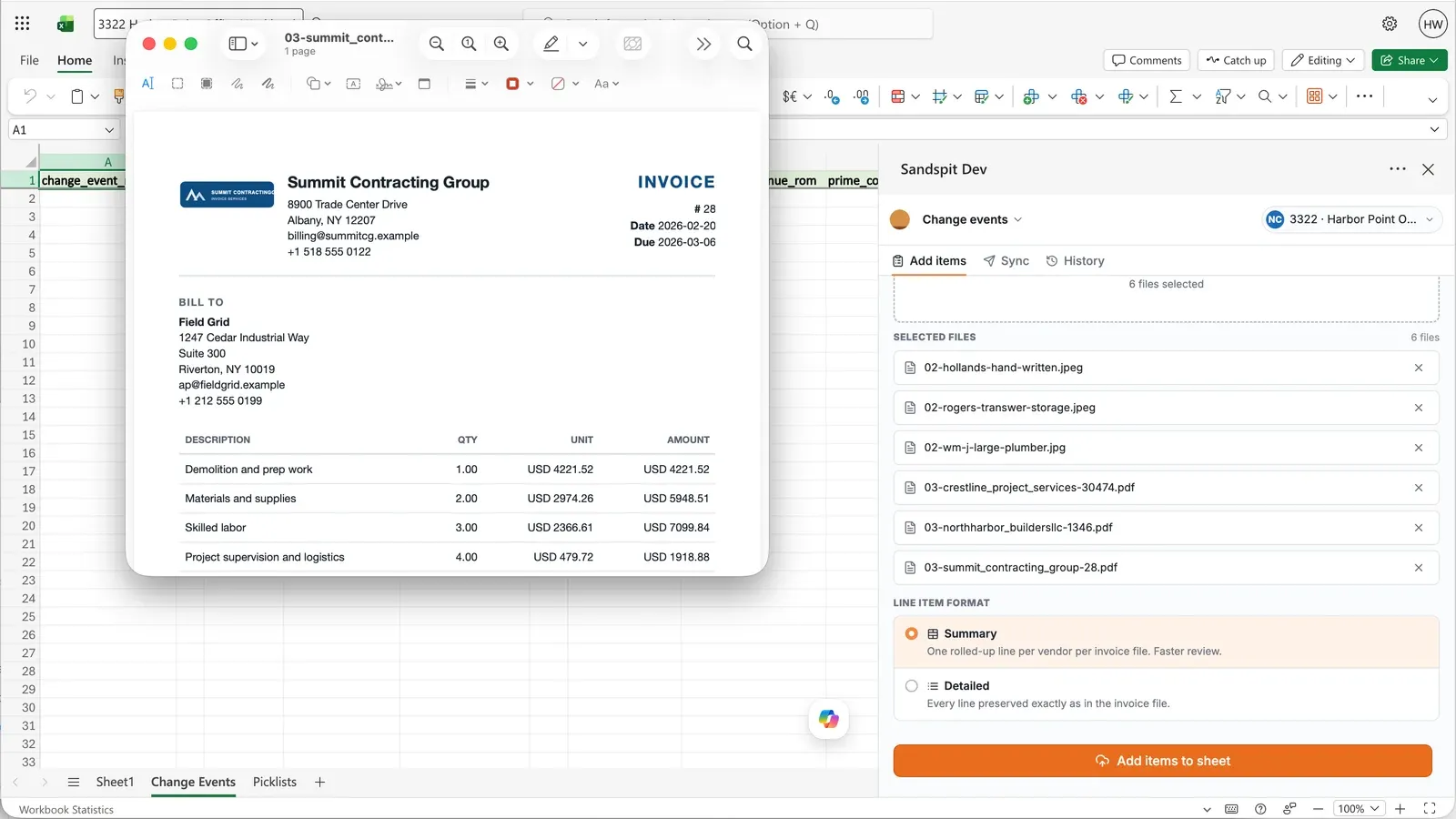
Same import workflow. Different Procore destination.
Direct Cost Imports follow the same Sandspit workflow as Change Event Imports: upload the source files, validate extracted rows in a grid, and sync approved data to Procore. The difference is where the clean data lands.
Invoices from non-contracted vendors
Turn AP exports, paper invoices, and vendor spreadsheets into direct-cost rows without rebuilding each line item by hand.
Self-performed work and payroll
Stage labor costs by project, cost code, and period before they hit the Direct Costs column in the budget.
Equipment, rentals, and general conditions
Clean up recurring project expenses in bulk while preserving the accounting detail your team needs downstream.
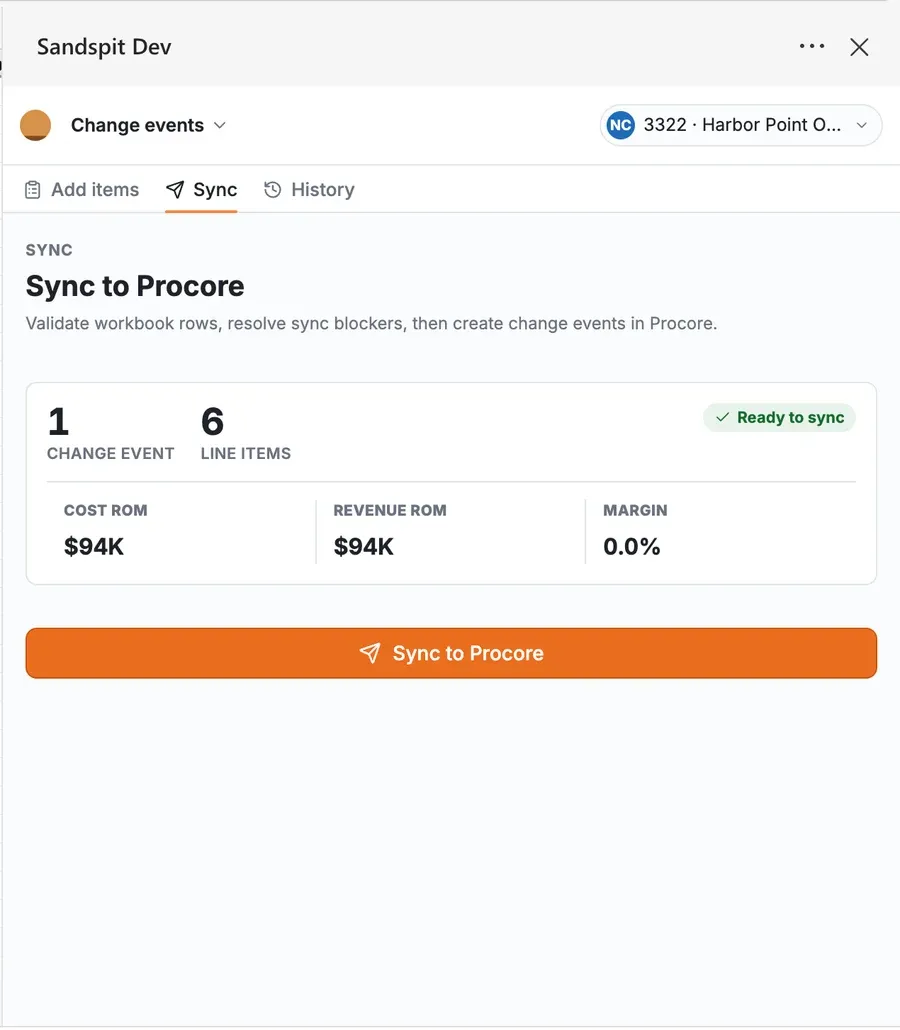
Catch accounting issues before they land in the budget.
Direct Costs affect project financials as soon as they move out of draft. Sandspit gives PMs, project accountants, and operations teams an import staging step to check the data while it is still easy to fix.
- Missing or mismatched budget codes
- Vendor names that do not match Procore
- Amounts, dates, and cost types that need review
- Rows that should become change events instead
Use your real cost files
See Direct Cost Imports on your Procore workflow.
Bring a sample invoice, payroll export, equipment log, or Excel tracker and we will show how Sandspit turns it into reviewable Procore-ready rows.